


Picture your hallway lights dimming as you pull into the driveway, your thermostat already tuned to comfort, and your doorbell flashing a familiar face on the screen. You’ll want reliable automations, secure access controls, and energy-aware devices that actually save time and effort. But the real value comes from how these pieces hold steady under a busy week—with setup, privacy, and family routines kept simple enough to scale. Ready to weigh the practical choices that fit your schedule?
Key Features That Make a Busy Family Ready for a Smart Home
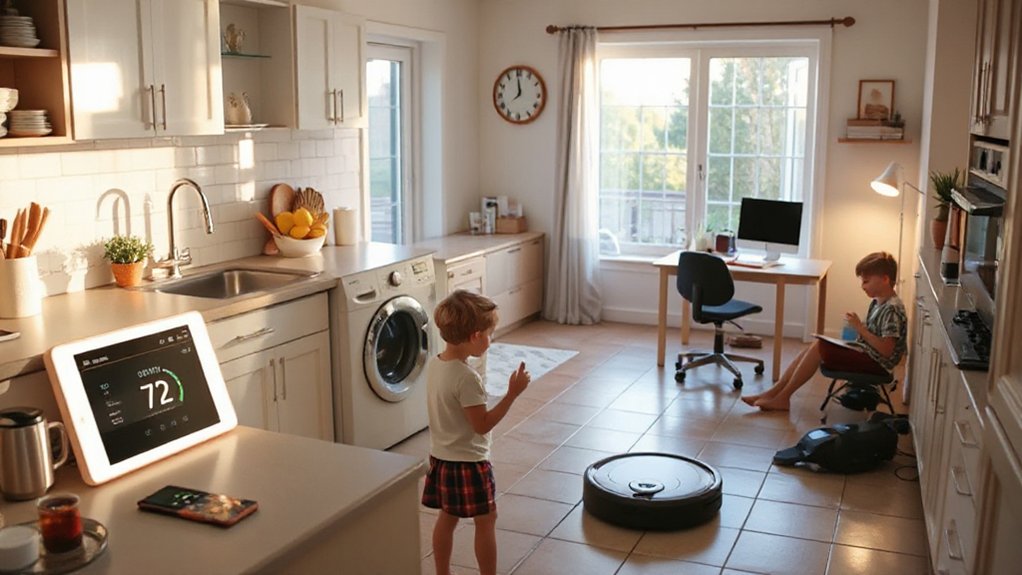
A busy-family smart home hinges on a few core features that streamline daily routines and reduce decision fatigue. You’ll want robust automation that handles habitual tasks without your constant input, like morning routines, dinner timers, and bedtime shuts.
Prioritize multi-user access and role-based controls, so each family member can trigger preferred scenes without friction. A reliable hub with local processing minimizes latency, while encrypted cloud backups protect data across devices.
Outdoor security is essential: door sensors, cameras with motion zones, and tamper alerts keep the exterior monitored while you’re inside. Family bonding benefits when shared displays present kid-friendly schedules, health reminders, and milestones in a noninvasive way.
*Guarantee* integrations with voice assistants remain responsive and private, balancing convenience with safety.
How to Evaluate Smart-Home Basics for Busy Parents
To evaluate smart-home basics for busy parents, start by prioritizing reliability, simplicity, and privacy in everyday tasks. You’ll assess device ecosystems for stable firmware updates, consistent cloud latency, and offline functionality during outages.
Prioritize simple pairing, clear on-device controls, and intuitive app flows so you won’t trade time for troubleshooting.
Map your parental tech habits: which tasks recur, who uses which feature, and where interruptions occur.
Look for unified privacy controls, local processing options, and transparent data sharing practices from vendors.
Anticipate common Smart home myths that overpromise automation without safeguards, and verify you can disable microphones or cameras when needed.
Guarantee parental controls are granular, with audit trails and easy recovery to maintain trust and minimize risk.
Practical Automation Scenarios That Save Time
Even with a busy schedule, you can reclaim minutes daily by stitching automation into routine tasks. You’ll map daily flows and deploy rule-sets that trigger at fixed times or events.
For example, pre-watering garden beds after dawn with smart irrigation reduces manual checks, while soil sensors adjust watering cycles to plant needs—minimizing waste and effort.
In the home, set a “good morning” scene that dims lights, adjusts thermostat, and starts a coffee routine, all before you step into the kitchen.
Use presence sensing to power down idle devices at night, preserving energy without thinking.
For Gardening tips and pet care, schedule reminders and automated alerts to replenish supplies, refill litter boxes, or fetch fresh food, keeping care predictable yet unobtrusive.
Voice Assistants for Family‑Friendly Routines

Voice assistants act as the central hub for coordinating family routines, aligning voice-driven tasks with calendar events, reminders, and device states. You’ll configure a Family Command Center that sequences wake-up, mealtimes, homework, and bedtime checks, ensuring each routine triggers predictably across devices.
Start by mapping Voice Routine Harmony to individual family needs and set clear, retrievable prompts so everyone gets consistent, actionable guidance.
Voice Routine Harmony
When you set up family routines with a voice assistant, you can orchestrate daily tasks so everyone knows what to expect. Voice routine harmony hinges on precise timing, contextual prompts, and consistent naming conventions for scenes and routines.
Use a hierarchical structure: define core morning, after-school, and bedtime sequences, then layer conditional actions based on presence and device status.
Assign explicit wake words or active wake phrases to minimize false triggers during crowded moments.
Synchronize reminders across devices so family members hear aligned messages, not competing alerts.
Implement fail-safes for skipped steps, such as automatic resumption or escalation to a parent reminder.
Document routine variations in a shared, readable format to maintain family communication while reducing confusion and drift.
Validate with test runs and adjust latency budgets for real-time feedback.
Family Command Center
A Family Command Center acts as the central hub where voice assistants coordinate schedules, reminders, and automations for everyone at home. In practice, you’ll configure shared calendars, school and activity alerts, and drop-off/pick-up windows across devices.
Use profiles for each occupant to tailor responses, ensuring privacy and relevant prompts. Set up routine templates that trigger on weekdays and weekends, such as alarms, to-do lists, and kitchen timers, so chores and tasks align with family priorities.
Use family communication channels to confirm task assignments and status updates, reducing miscommunication. For chore delegation, create role-based task lists, automatic reminders, and completion flags that feed into a weekly overview.
Regularly audit routines for overlap, conflicts, and battery/device health to maintain reliability.
Proactive Sensors That Catch Problems Early
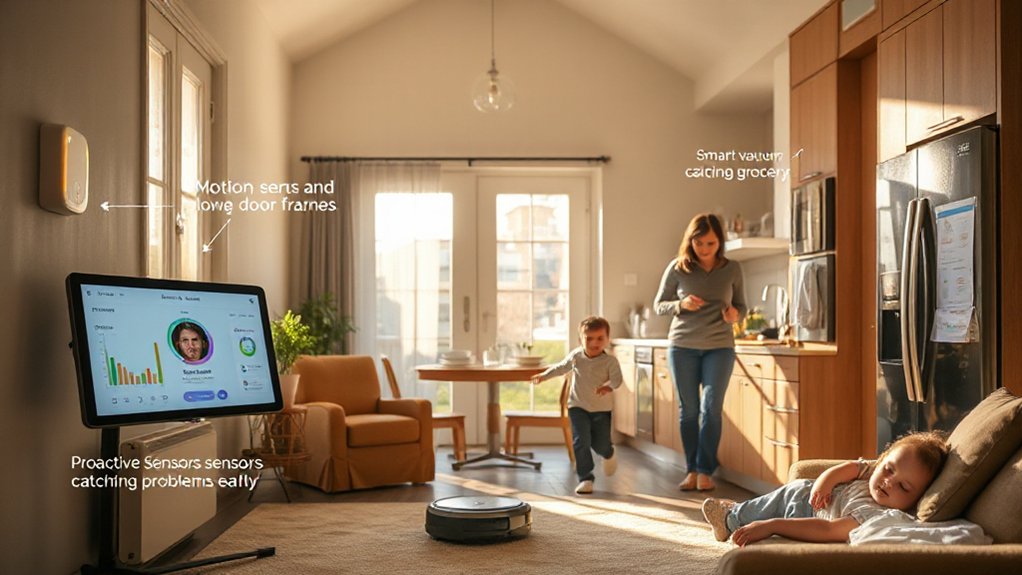
Smart sensors catch issues before they snowball, using early indicators like temperature shifts, moisture, and motion patterns to trigger proactive alerts.
You’ll get smart alerts for home health, unusual energy spikes, and appliance anomalies, so you can act fast without chasing phantom problems.
This approach keeps maintenance predictable, minimizes damage, and fits into busy family schedules with clear, actionable steps.
Early Indicators, Proactive
Proactive sensors detect issues before they disrupt daily life, letting your smart home intervene early and minimize outages. You’ll act on early indicators, enabling proactive maintenance that keeps systems humming. This approach reduces emergency repairs and extends device lifespans by catching drift, heat, or vibration before failures mount.
- Temperature and humidity trends that warn of HVAC strain, prompting filter changes or airflow optimization.
- Electrical load patterns that flag overloaded circuits, triggering soft shutoffs or load balancing to prevent outages.
- Water sensor drift near appliances, signaling leaks for immediate, localized containment.
- Battery and firmware health metrics that forecast drops in reliability, triggering timely replacements and updates.
This mindset prioritizes resilience, clarity, and practical prevention for busy households.
Smart Alerts For Home
Even when you’re juggling a dozen tasks, proactive sensors keep daily life smooth by detecting early signs of trouble and triggering alerts before issues escalate. Smart alerts monitor critical voltages, temperatures, motion, and moisture, then broadcast concise messages to your devices.
In practice, you’ll configure thresholds per room and time of day, minimizing false positives. When an anomaly crosses the preset limit, the system dispatches rapid Family notifications and stacks alerts by priority, so you see urgent items first.
Use zoned coverage for HVAC duct leaks, door/window sensors for entry taps, and water-sensor networks near appliances.
Regular firmware checks guarantee compatibility with your hub and mobile app, preserving reliability. With clear, actionable data, you act quickly and reduce downtime.
Secure, Easy Access for All Family Members
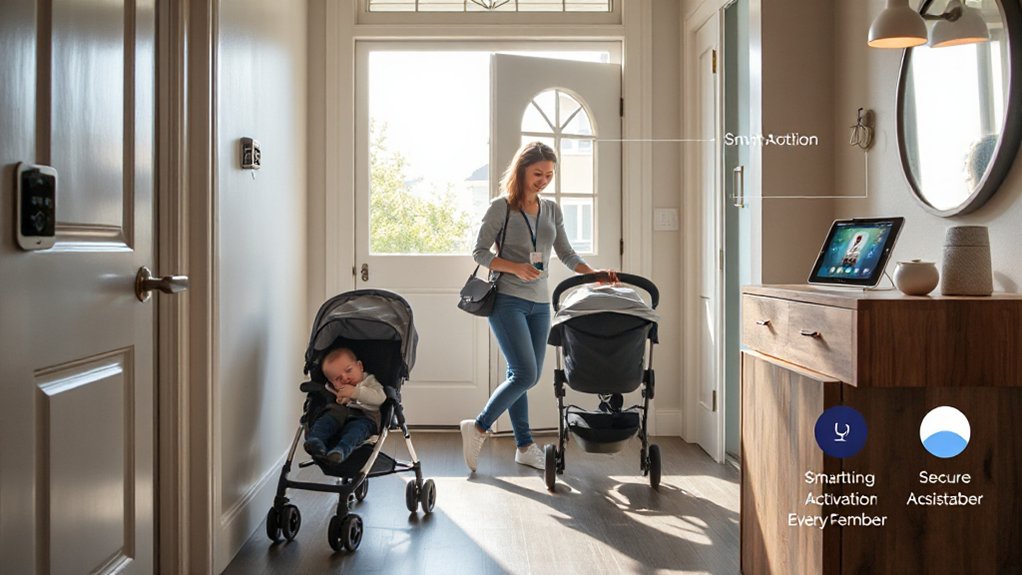
To keep your home secure while staying convenient for everyone, set up a layered access system that covers doors, devices, and routines. You’ll implement scalable, device-based permissions that adapt to age and responsibility, while enforcing strong security protocols. Use a centralized ×home hub× to manage keys, one-time codes, and biometric gates, ensuring quick access for parent and child without sharing credentials.
Tailor rules for schooldays, visitors, and emergencies, and log every entry attempt for auditing. Train family members on best practices and resilient authentication, not passwords alone. Practical implementation keeps latency low and fault-tolerant.
- Create per-person access profiles with time-bound permissions
- Combine biometrics, unique codes, and device tokens for doors
- Sync caregiver schedules to routines for automatic unlocks
- Audit access events and review anomalies regularly
Energy Savings Without the Fuss
Smart energy habits pair well with a secure, easy-access setup because fewer hassles means more consistent usage. You’ll reduce waste by aligning schedules with occupancy and daylight, while keeping control simple.
A smart thermostat centralizes temperature management, learning routines, and adjusting to your family’s patterns without constant input. Set precise targets for awake hours, bedtime, and home-office days to optimize runtimes and minimize peak demand.
Pair it with LED lighting to maximize efficiency; choose dimmable, warm-dense LEDs and automate with occupancy sensors and time-based rules. Fine-tune boosts for cooking or workouts, and use adaptive brightness to match natural light.
Regular reviews of usage reports help you identify savings opportunities, verify comfort, and maintain reliability without extra effort.
Smart Alerts That Help Without Panic
Smart alerts keep you informed without triggering alarm. You’ll receive concise, context-rich notices that avoid panic while preserving timely action opportunities, improving Family safety without disruption. You’ll configure thresholds, noise filters, and escalation paths so the right people respond.
- Real-time push and text alerts with severity levels to match urgency.
- Location-aware triggers that differentiate home vs. away scenarios for door, window, and motion activity.
- Battery and connectivity health checks that warn before failures impact safety.
- Summary digests and calendars that align alerts with routines, reducing false positives and fatigue.
These Smart alerts are designed to be actionable, filter out noise, and integrate with existing devices, giving you practical, deterministic control over your family safety ecosystem.
Kitchen Automation: Cooking, Groceries, and Cleanup in Sync

You’ll optimize meals and logistics by using automated grocery ordering, so staples auto-replenish before you run out.
Smart pantry management tracks inventory, expiration dates, and portion needs to reduce waste and prep time.
A unified cleanup workflow coordinates dishwashing, surface sanitizing, and appliance maintenance to keep kitchens running smoothly.
Automated Grocery Ordering
Ever wonder how you can keep pantry staples stocked without lifting a finger? Automated Grocery Ordering lets you link your smart fridge and shopping apps to auto-create shopping lists, trigger reorders, and schedule deliveries. You’ll set minimum stock thresholds, preferred brands, and delivery windows, then let recipes and consumption_rate data drive replenishment.
The system prioritizes Grocery delivery slots during your usual shopping times and confirms substitutions only when necessary, minimizing disruption. You maintain visibility with real-time stock dashboards and push alerts for item freezes or recalls.
It supports multi-store sourcing, price tracking, and loyalty syncing to maximize value. With this setup, you reduce miscounts, save trips, and ensure essentials are always ready.
- Smart fridge item detection miscounts reconciled with manual check
- Auto-generated shopping lists updated after every meal plan change
- Delivery scheduling aligned to household routines and peak hours
- Price tracking, substitutions, and loyalty rewards integrated seamlessly
Smart Pantry Management
Consider how a tightly integrated kitchen can run itself: Smart Pantry Management orchestrates cooking, groceries, and cleanup in a single, cohesive workflow. You’ll set up rules that trigger alerts when stock dips, automate batch prep for common meals, and queue replenishment before items run out.
Pantry organization is kept consistent by labeled zones, digital shelves, and barcode- or RFID-based tagging that map items to recipes and storage conditions. Inventory tracking updates in real time as you use or restock, so you always know what’s on hand, what’s nearing expiration, and what needs to be reordered.
You’ll integrate sensor data, such as weight and temperature, to validate quantities and freshness. The result: fewer trips to the store, tighter portion control, and reliable meal readiness with minimal effort.
Unified Cleanup Workflow
- Real-time sensor feedback coordinates meal prep, cooking, and post-meal disposal.
- Auto-replenishment prompts groceries before shortages impact cooking.
- Timed cleanup sequences start immediately after plating.
- Energy and resource usage analytics optimize ongoing performance.
Bedtime and Morning Routines You Can Count On
To establish reliable bed- and morning routines, start with a fixed nightly wind-down and a predictable wake-up window.
You’ll pair smart lighting with automation rules: dim 30 minutes before bedtime, switch to warm tones, and trigger a 15-minute guided wind-down routine.
Use a centralized hub to synchronize devices so that door locks, climate, and media pause align with the wind-down.
For sleep environment, optimize acoustics and temperature—target 60–67°F (15–19°C) and a white-noise baseline.
Nighttime security is reinforced by auto-arming sensors after lights out and sending a concise alert if doors or windows breach.
In the morning, gradually raise shades, start a gentle alarm, and run a brief routine to check essential devices.
Maintain consistency to reduce friction and support full-day readiness.
Child‑Safe Tech and Privacy Essentials
Smart-home setups must prioritize kids’ safety and privacy from the start. You’ll implement practical controls that minimize risk while preserving usability, focusing on reliable protections and clear policies. You stay precise: hardware, software, and user permissions cooperate to guard child safety and privacy protection.
1) Use child‑restricted profiles with time limits and content filters, plus robust login authentication to prevent accidental access.
2) Enable local data processing where possible, disable unnecessary cloud syncing, and review data‑sharing permissions for each device.
3) Prioritize privacy‑by‑design devices, configure strong passcodes, and enforce automatic updates to reduce vulnerabilities.
4) Audit logs and alerts for unusual activity, set up parental dashboards, and document data handling practices for transparency.
Multi‑Room Entertainment Without the Hassle

With a properly configured setup, you can enjoy seamless, synchronized audio and video across every room without the usual headaches. A centralized hub manages codecs, sources, and room profiles, ensuring lip-sync precision and instantaneous scene changes.
Use HDMI-ARC or eARC where available, and prefer wireless codecs with low latency to avoid drifts during playback.
Assign each zone a fixed input map and auto-detect content type to switch resolutions without manual tweaks.
Prioritize a robust network with QoS for streaming, and enable per-room volume limits to prevent surprises.
Integrate Smart lighting to cue ambience with scenes, and keep Security cameras off the primary entertainment path to preserve bandwidth.
Document device IDs, firmware versions, and one‑click restoration steps for quick maintenance.
Quick Setup Tips for Non‑Techy Parents
Start with quick setup basics: choose devices with straightforward apps, enable guided onboarding, and test connections on a single hub before expanding.
Use simple password strategies—make passphrases, store them securely, and rotate them annually to keep access limited and recoverable.
Consider automated routines that align with daily rhythms, like a morning scene and evening shutdown.
Keep customization minimal so changes stay reliable for non-techy users.
Quick Setup Basics
Getting a smart home up and running doesn’t have to be intimidating: start simple with a small, integrated setup and build from there. You’ll prioritize quick wins that reinforce household organization and tech integration, keeping steps concrete and repeatable.
- Choose a hub or platform that supports your core devices and routines, then lock in a single ecosystem to minimize cross-compatibility postures.
- Group devices by room and function, labeling scenes (morning, leave‑home, bedtime) for fast, predictable automation.
- Use energy‑monitoring plugs on high‑usage appliances to validate savings and refine schedules.
- Document a short, repeatable setup checklist for new devices to preserve consistency during busy weeks.
Simple Password Strategies
Creating strong, simple password strategies for busy families starts with a practical baseline: use a single, memorable password manager for all accounts you touch, and enable two-factor authentication wherever possible.
You’ll organize credentials by重要 devices and services, not by site name alone, to reduce reuse. Choose a manager with browser and mobile app support, offline backup, and a disaster-recovery option.
Use unique, long passphrases for high-risk accounts, and rely on generated codes for authentication methods rather than handwritten notes. Enable biometric disarm where available, and set global auto-lock timers to minimize exposure.
Regularly review linked apps and permissions, revoke stale access, and test recovery options quarterly.
Prioritize password security, monitor for breaches, and implement alerting to detect unusual sign-ins promptly.
Automated Routines Tips
Automated routines let busy families keep daily tasks humming without constant babysitting. You’ll set dependable triggers, verify device compatibility, and test changes during quiet moments to minimize disruption. Start with a simple morning routine, then expand to evening wind-down sequences that adjust lighting and climate zones. Use clear naming for actions, and log routine changes for troubleshooting. Keep family scheduling in mind so routines don’t clash with school alarms or activity rotas.
1) Create a master wake-up flow that powers Smart lighting gradually and preloads essential devices, reducing first‑hour chaos.
2) Align kitchen and entry routines with school day timings to prevent missed alerts and late departures.
3) Use conditional logic to skip routines if no one is home, preserving energy.
4) Regularly review compatibility and update permissions to maintain reliability.
Budget‑Smart Upgrades With Big Value
Even on a tight budget, you can prioritize high-impact, low-cost upgrades that streamline daily routines and boost home efficiency. Start with energy dashboards and smart plugs to curb phantom loads; monitor daily consumption and segment usage by device type.
Prioritize devices that support standard protocols (Zigbee, Matter) for broad compatibility and future-proofing. Choose hubs with local processing to minimize cloud latency and preserve privacy.
Consider smart lighting with tunable white and occupancy sensing to reduce heating and cooling needs, improving comfort for busy mornings.
For control surfaces, balance form and function by optimizing Smart device aesthetics so switches coexist with decor.
Guarantee parental control options are robust on the gateway and individual devices, preventing schedule or access breaches during homework or bedtime.
Frequently Asked Questions
How Can I Start Smart-Home Upgrades on a Tight Budget?
Yes—start with budget-friendly gadgets you can install yourself, then layer DIY smart upgrades. Prioritize hubs, smart plugs, and energy monitors, compare local sales, and use free apps for setup. Document steps, test, and iterate for savings.
Which Devices Are Simplest for Non-Techy Parents to Install?
You’ll find the simplest devices for non-techy parents are plug‑in hubs and smart bulbs. They work with broad ecosystems, guarantee smart device compatibility, and support voice command integration, letting you install quickly and monitor everything without fuss.
How Do I Ensure Kids Can Use Smart Features Safely?
You should enable robust child safety features and parental controls, then tailor permissions by age; use PINs, supervise voice purchases, and set daily usage limits to prevent overreliance and protect your kids’ privacy and safety.
What Privacy Settings Matter Most for Family Use?
Data encryption and access control matter most for family use. You should verify encryption strength, use end-to-end where possible, enable multi-factor authentication, set guest profiles, limit device permissions, and regularly review logs to catch suspicious activity.
Can Smart Tech Reduce Daily Chore Time Effectively?
Yes. With automated cleaning and voice controlled appliances, you cut daily chore time by coordinating schedules, set routines, and trigger tasks hands-free, leveraging sensors and timers for precise maintenance, efficient laundry, and consistent room-to-room organization.
Conclusion
In short, you’re wiring life for rhythm, not chaos. See your home as a smart ecosystem: sensors whisper early warnings, thermostats glide to comfort, and scenes choreograph your mornings and bedtimes. You’ll gain time as routines run on autopilot, with doors, lights, and speakers answering one whispered request. Stay secure with simple password hygiene and clear access rights. It’s precision meeting practicality, turning daily chaos into a well-tuned machine that protects, saves, and evolves with your family.